Generate Stylish Fonts & Fancy Text
Welcome to FontStyles.net - your all-in-one font style generator for creating stylish text, fancy fonts, and unique symbols for any platform. Easily transform your text for social media, gaming, chats, or creative projects in seconds.
Explore Unlimited Font Styles
Click the copy button on any font style to instantly copy and use it anywhere you like. Browse through a wide collection of stylish, cool, and unique font styles, and use the Load More option to discover even more designs. Perfect for social media, gaming names, chats, and creative text anywhere online.
Popular Font Style Categories
Fancy Text Generator
Typeface Generator
Letter Type Generator
Free Fire Name Generator
PUBG Name Generator
BGMI Stylish Name Generator
Clan Name Generator
Minecraft Font Generator
Discord Font Generator
Twitter Font Generator
Tattoo Fonts Generator
Fancy Number Generator
Text & Word Art
Instagram Bio Generator
Invisible Text
Font Case Converter
Font Styles – Create Unique & Stylish Text for Every Platform
In today’s digital world, the way your text looks matters just as much as what you write. Whether you're creating a social media post, designing a username, or simply sending messages, using stylish font styles can instantly make your content stand out. FontStyles is designed to help you turn ordinary text into eye-catching, creative, and unique font styles in just a few seconds.
Unlike traditional fonts that are limited by your device, our font styles are based on Unicode characters. This means you can copy and paste them anywhere — from social media platforms and chat apps to gaming profiles and websites. No installation, no downloads, and no technical knowledge required.
Why Use Stylish Font Styles?
Stylish fonts are more than just decoration. They help you express personality, grab attention, and create a strong visual identity. Whether you're a content creator, gamer, student, or business owner, using unique font styles can make your text more engaging and memorable.
From bold and aesthetic fonts to cursive and decorative styles, you can easily find the perfect look for your text. These styles are especially popular for creating usernames, bios, captions, and creative messages.
How FontStyles Works
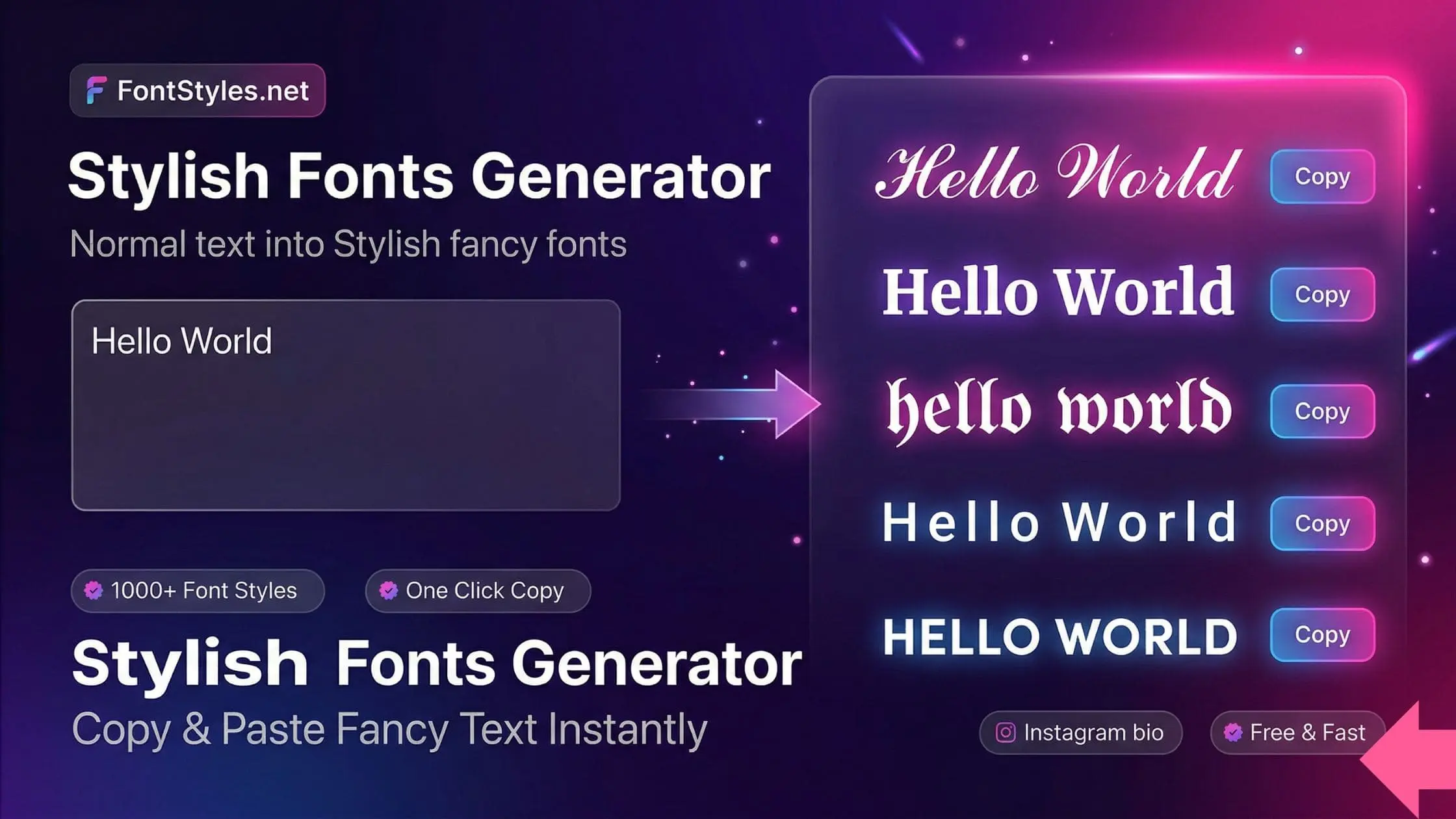
FontStyles uses advanced Unicode text conversion to generate a wide range of font styles instantly. Simply type your text into the input box, and the tool will automatically convert it into multiple stylish variations. You can preview all styles in real-time and copy your favorite one with a single click.
Each font style is designed to work across different platforms, ensuring compatibility and ease of use. Whether you're using a mobile device or desktop, the experience remains fast, smooth, and user-friendly.
Popular Uses of Font Styles
Font styles can be used in many creative ways. You can design stylish usernames, enhance your profile bios, create unique captions, or make your messages more fun and expressive. Many gamers also use stylish names to stand out in online communities.
Fast, Free & Easy to Use
One of the best things about FontStyles is its simplicity. You don’t need any design skills or software. Everything works directly in your browser, making it fast and accessible anytime. The copy-and-paste feature saves time and makes the process effortless. With a growing collection of font styles and tools, FontStyles aims to provide everything you need to create stylish text in one place.
Start Creating Stylish Text Today
If you want to make your text more attractive and unique, start using FontStyles today. Explore different styles, experiment with creative designs, and bring your words to life with beautiful font styles that stand out everywhere.
How to Use Our Font Style Generator
Follow these simple steps to create your perfect font styles using our tool. Easily convert your normal text into stylish and creative designs, then copy and use them anywhere — from social media profiles and chats to gaming names and more.
Use Our Font Style Generator
Type your text in the box and instantly get dozens of stylish font options with unique designs, symbols, and cool styles. Easily create eye-catching text for names, bios, messages, and more with simple copy & paste.
Copy Your Favorite Font Style
Browse through the font styles and choose the one that fits your style. Simply click the Copy button on any font to copy it instantly. You’ll see a confirmation message once it’s copied, and you can use it anywhere without any issues.
Use Your Stylish Text Anywhere
Open any app or website where you want to use your stylish text. Paste it into your name, bio, caption, message, or profile. Our font styles work smoothly across all platforms and support a wide range of symbols and characters.
Paste Your Font Style
Paste your copied font style into your name, bio, caption, or message box. Check that the text and symbols display correctly, then save or confirm. Your stylish text will appear perfectly and stand out wherever you use it.
Frequently Asked Questions about FontStyles
Everything you need to know about our font style generator and text converter.
FontStyles is a free online tool that helps you convert normal text into stylish and fancy font styles using Unicode characters. You can copy and paste these fonts anywhere.
Simply type your text in the input box, and the tool will instantly generate multiple stylish font options. Click the copy button to use any style.
Yes, all font styles on FontStyles are completely free to use without any restrictions.
You can use these fonts on social media, chat apps, gaming profiles, bios, usernames, and anywhere that supports Unicode text.
Yes, our font styles are based on Unicode, so they work on most modern devices including mobile phones, tablets, and desktops.