Boys Stylish Name Generator
Create cool and stylish names for boys in seconds with our easy-to-use generator. Turn your simple name into unique and eye-catching text that looks perfect for gaming, social media profiles, and usernames with just one click copy & paste.
Your Stylish Name Collection for Boys
Click the copy button on any stylish name to copy it instantly. Use the Load More option to explore unlimited cool and unique name styles with different designs, perfect for your profile and usernames.
Popular Font Style Categories
Fancy Text Generator
Typeface Generator
Letter Type Generator
Free Fire Name Generator
PUBG Name Generator
BGMI Stylish Name Generator
Clan Name Generator
Minecraft Font Generator
Discord Font Generator
Twitter Font Generator
Tattoo Fonts Generator
Fancy Number Generator
Text & Word Art
Instagram Bio Generator
Invisible Text
Font Case Converter
Create Cool & Unique Stylish Names for Boys
Finding the perfect stylish name for boys is now easier than ever. With our Boys Stylish Name Generator, you can instantly create cool, unique, and eye-catching names that stand out on social media, gaming platforms, and online profiles. Simply enter your name and explore multiple creative styles designed using Unicode characters, ensuring they work everywhere. Whether you want an attitude-filled username or a modern stylish look, this tool helps you upgrade your identity with just one click copy and paste.
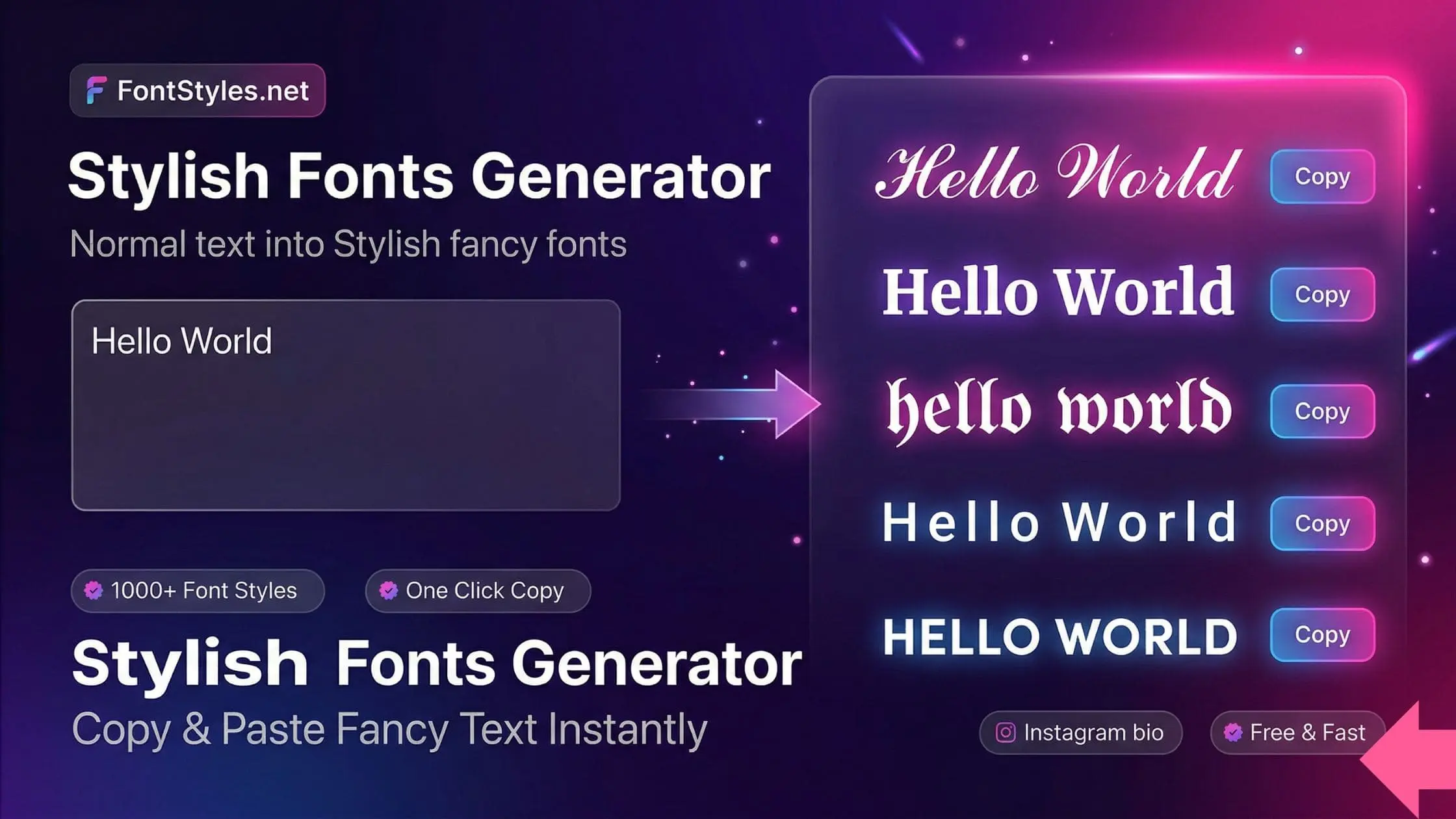
How to Use Our Boys Stylish Name Generator
Follow these simple steps to create your perfect stylish name for boys using our tool. Enter your text, explore different style options, and copy your favorite name to use in your profile, username, or gaming ID.
Use Our Font Style Generator
Type your text in the box and instantly get dozens of stylish font options with unique designs, symbols, and cool styles. Easily create eye-catching text for names, bios, messages, and more with simple copy & paste.
Copy Your Favorite Font Style
Browse through the font styles and choose the one that fits your style. Simply click the Copy button on any font to copy it instantly. You’ll see a confirmation message once it’s copied, and you can use it anywhere without any issues.
Use Your Stylish Text Anywhere
Open any app or website where you want to use your stylish text. Paste it into your name, bio, caption, message, or profile. Our font styles work smoothly across all platforms and support a wide range of symbols and characters.
Paste Your Font Style
Paste your copied font style into your name, bio, caption, or message box. Check that the text and symbols display correctly, then save or confirm. Your stylish text will appear perfectly and stand out wherever you use it.